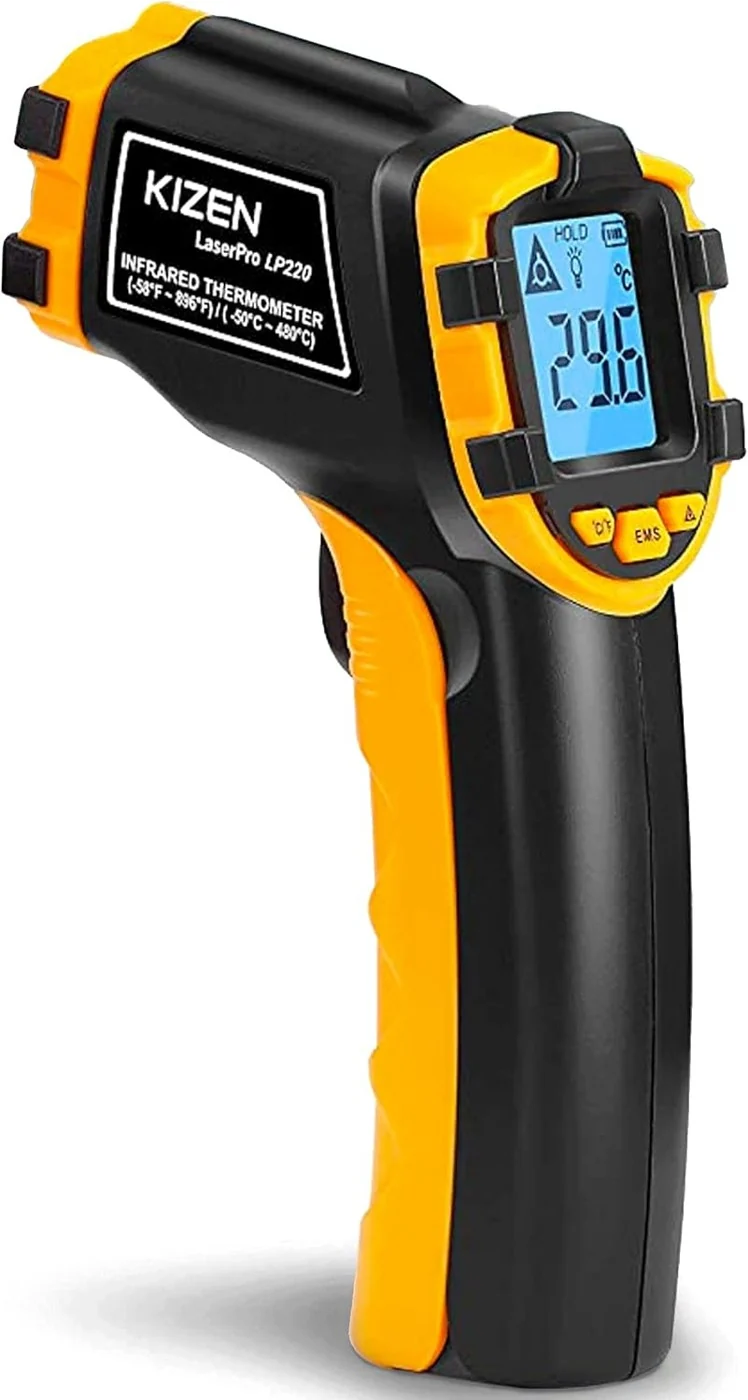
Quick Start
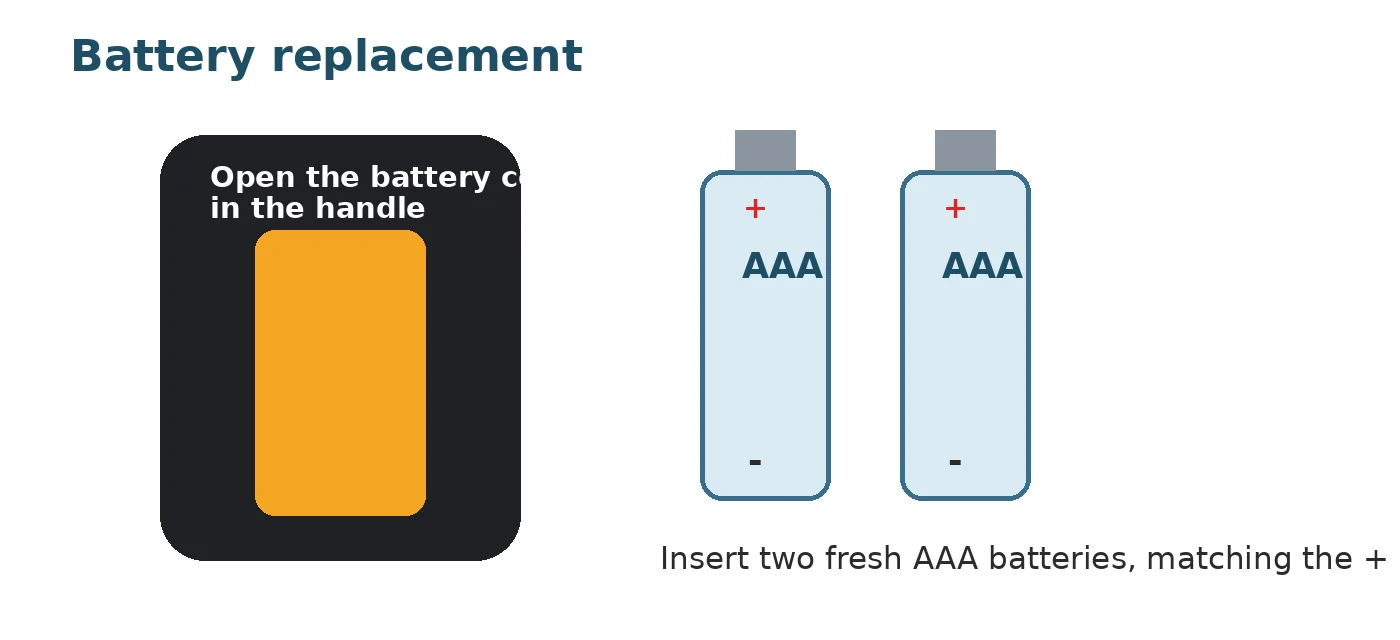
- Open the battery compartment in the handle and install two AAA batteries.
- Select °F or °C.
- Aim the thermometer at the surface you want to check.
- Pull and hold the trigger to take a reading.
- Keep the target area larger than the thermometer's measuring spot — move closer for small objects.
- Release the trigger to hold the last reading on the display.
A few things to keep in mind:
- The LP300 reads surface temperature only. It does not measure internal food temperature.
- It is not designed for measuring human or animal body temperature.
- The laser is an aiming aid only. Never point it at eyes, faces, people, or animals.
Controls and Display
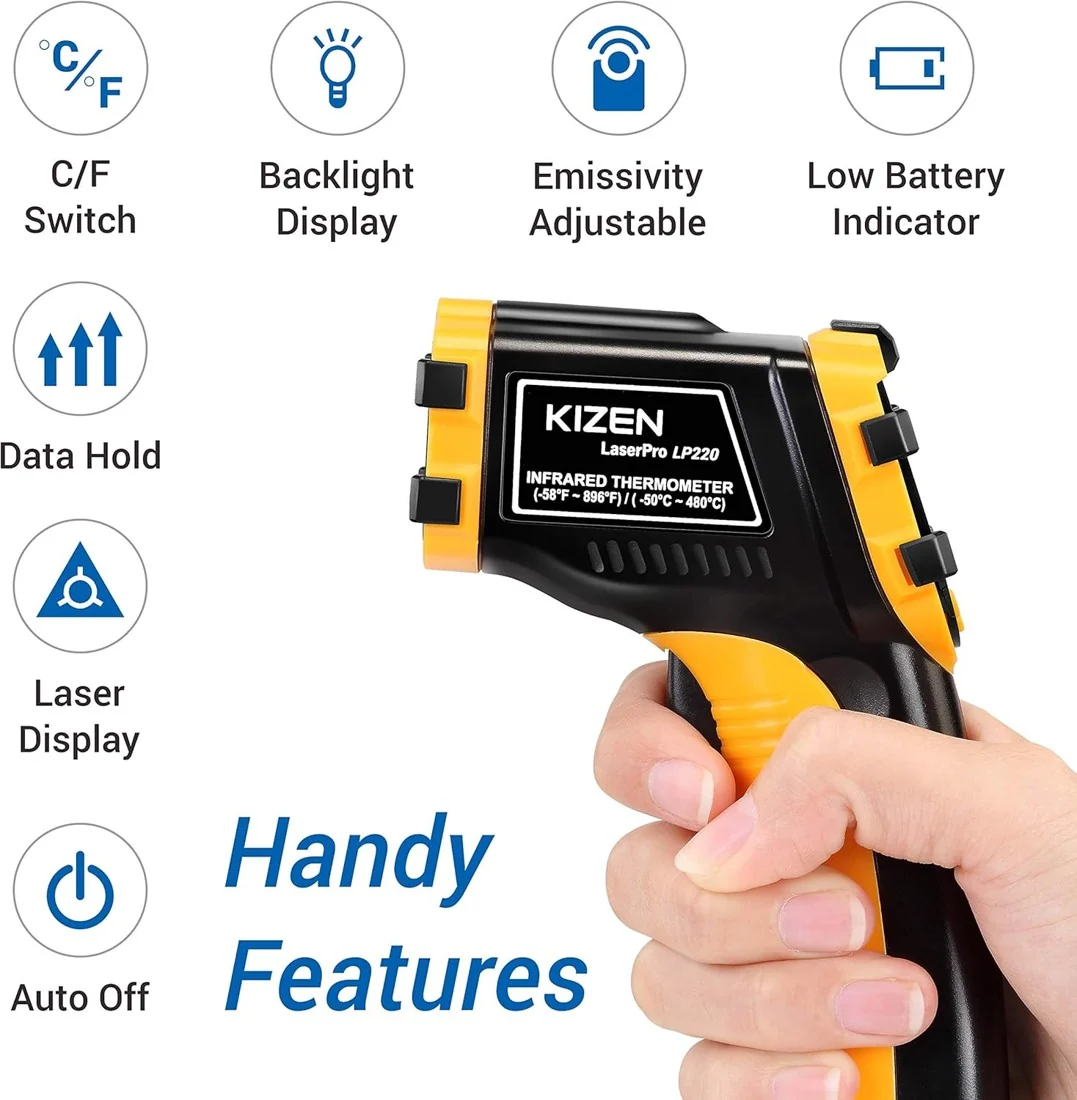
The LP300 has a small set of controls:
- Trigger – pull and hold to power the unit and scan continuously; release to hold the last reading.
- EMS button – opens or changes the emissivity setting.
- °C/°F control – switches the displayed temperature unit. On some production revisions this shares a button with the backlight.
- Light/laser controls – toggle the backlight and the laser aiming dot. Screen icons show which is active.
- Display – shows the reading along with HOLD, a low-battery icon, and the active unit.
Button markings can differ slightly between production runs, so use the icons printed on your own unit as the final reference.
How to Measure Surface Temperature
Aim the sensor at the surface, not just at the laser dot — the laser marks the general aim point, but the actual measurement covers a wider area. For best results, the manual recommends staying about 14 inches from the target. Move closer for small objects so the reading stays on the surface you're checking, and hold the trigger steady while you read the display.
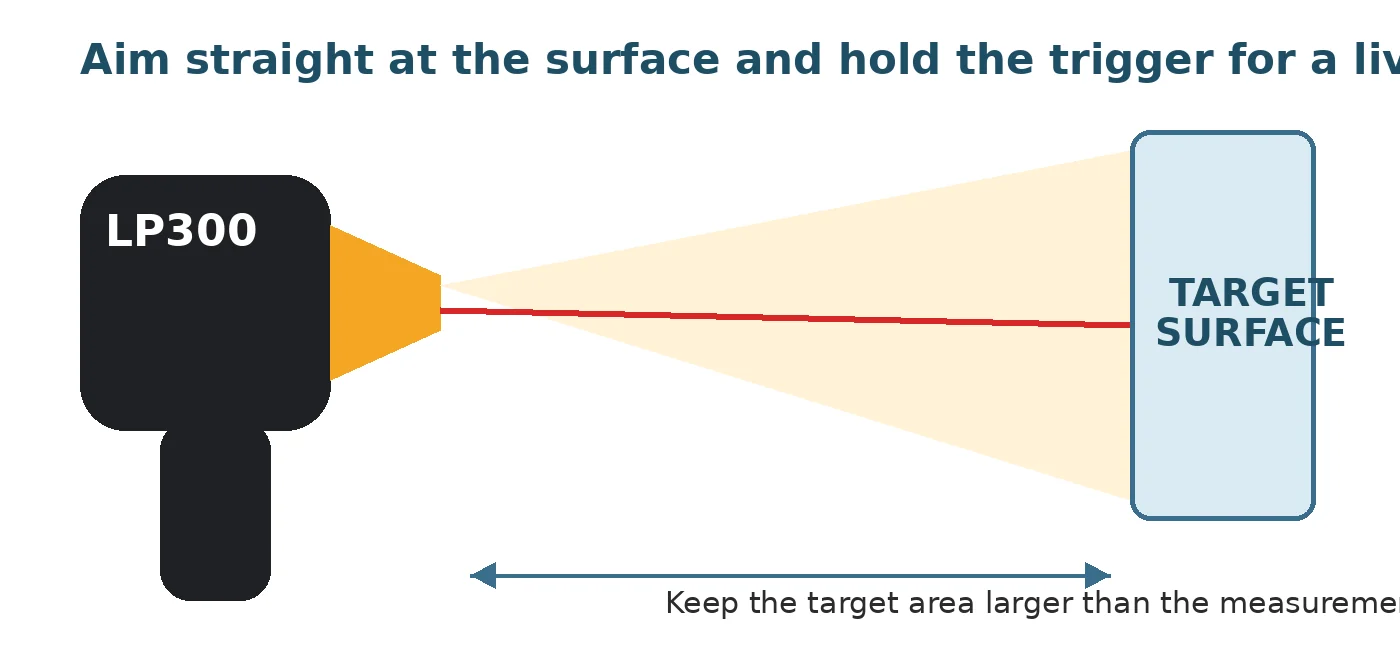
Scan slowly across a surface if you're looking for hot or cold spots, then release the trigger to lock in a reading.
How to Adjust Emissivity
Emissivity describes how well a surface radiates infrared energy, and it directly affects the accuracy of your reading. The LP300 allows settings from 0.10 to 1.00.
- Check the material you're measuring against an emissivity chart, if you have one.
- Press the EMS button to enter emissivity adjustment mode.
- Adjust the number to match the material, then take your reading.
Most painted, food, wood, paper, and rubber surfaces use a high emissivity setting. Shiny metal, glass, and unusual materials need extra care — see the next section.
Common Measurement Problems
Infrared thermometers can give misleading readings in a few situations:
- Shiny or reflective metal can reflect infrared energy from nearby objects instead of showing its own temperature. Covering a small area with matte tape lets it reach the true surface temperature before you measure it.
- Glass reflects the surface facing the sensor rather than reading through it, so aim at an opaque, matte-covered spot instead.
- Steam, smoke, and dust in the sensor's path can distort a reading.
- Very small targets or long distances can pull in surrounding temperatures if the target doesn't fill the measurement spot — move closer instead.
For food, liquids, or anything where internal temperature matters, use a contact probe thermometer alongside the LP300.
Battery and Cleaning
Open the battery compartment in the handle and insert two fresh AAA batteries, matching the + and – markings. Replace both batteries together when the low-battery icon appears.
Wipe the housing with a soft, slightly damp cloth — never immerse the thermometer. Keep the sensor opening clean with gentle air or a soft, lens-safe cloth. Remove the batteries before long-term storage, and let the thermometer adjust to room temperature after a big temperature change before trusting a precise reading.
If the unit won't power on, check battery polarity and try fresh batteries. If readings seem wrong, check the emissivity setting, move closer to the target, and avoid steam or reflective surfaces. A persistent error code may indicate a sensor issue — contact KIZEN or the seller if fresh batteries don't resolve it.
Short FAQ
No. It's built for surface checks on things like cookware, HVAC components, and engines, not for human or animal body temperature.
Polished or reflective metal can bounce infrared energy from nearby objects into the sensor. Covering a spot with matte tape and letting it reach the surface temperature gives a more reliable reading.
It's a measure of how effectively a surface gives off infrared energy. Setting it correctly for the material you're checking helps the displayed temperature match the actual surface.
At greater distances, the measurement spot grows and can pick up surrounding surfaces along with your target. Moving closer keeps the reading focused on what you actually want to check.
View the KIZEN LaserPro LP300 on Amazon
Affiliate Disclosure: As an Amazon Associate I earn from qualifying purchases.
Sources
- KIZEN LaserPro LP300 Illustrated User Guide (product operation, controls, emissivity, battery, and troubleshooting details).
- KIZEN Amazon product listing for ASIN B07VSHR9M6 (model identification).